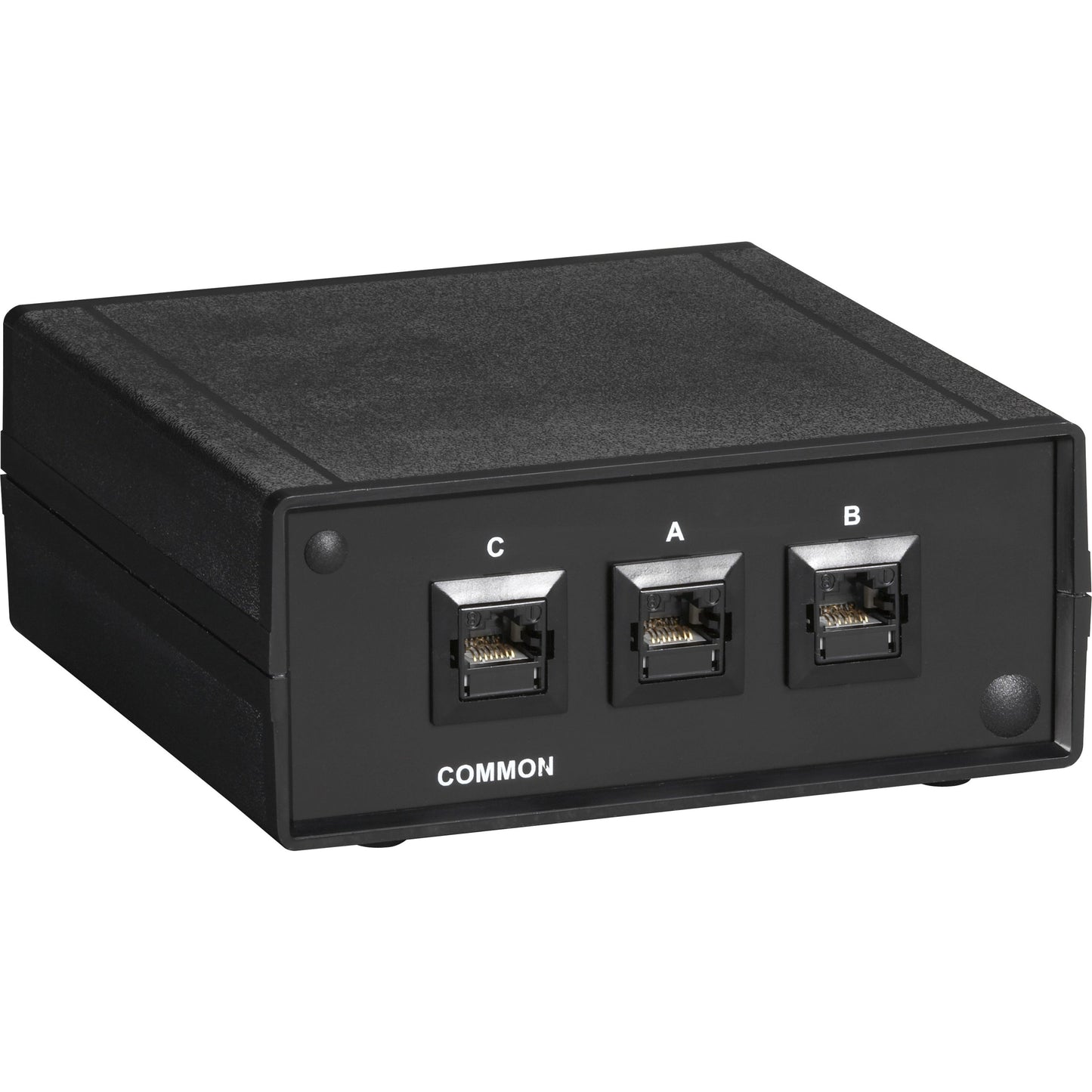

Black Box RJ45 2-to-1 CAT6 Ethernet 10G Manual Desktop Switch
SKU: 1014330867 MFR: Black Box Corporation
GTIN: 822088064831
Product Description
Black Box RJ45 2-to-1 CAT6 Ethernet 10G Manual Desktop Switch - 3 Ports - 10 Gigabit Ethernet - 10GBase-T - TAA Compliant - 2 Layer Supported - 1 Year Limited Warranty
Manufacturer : Black Box Corporation
Manufacturer Part No : SW1030A
Features
- Switch between two separate Ethernet networks from one PC without the need to plug and unplug cable.
Product Details
- It provides total electrical isolation so you can safely access secure and public networks from the same desktop.
- Use in networks from 10BASE-T all the way up to 10-Gigabit Ethernet (10-GbE).
- The proprietary design ensures crosstalk isolation for high-end performance and full 10-GbE support.
- Simply connect your host device (or shared network link) to Port C (Common port) then connect the different networks or Ethernet devices to the A and B ports.
- Operates manually. Just push a button to switch to another network.
- No power required.
Great for high-bandwidth network switching this desktop device enables you to switch between wire-speed networks at the push of a button - and do so securely.
In Stock - 13 (Available by Sat, Jun 20 - Thu, Jun 25)
Update
Couldn't load pickup availability

Black Box RJ45 2-to-1 CAT6 Ethernet 10G Manual Desktop Switch - 3 Ports - 10 Gigabit Ethernet - 10GBase-T - TAA Compliant - 2 Layer Supported - 1 Year Limited Warranty
Manufacturer : Black Box Corporation
Manufacturer Part No : SW1030A
Features
- Switch between two separate Ethernet networks from one PC without the need to plug and unplug cable.
Product Details
- It provides total electrical isolation so you can safely access secure and public networks from the same desktop.
- Use in networks from 10BASE-T all the way up to 10-Gigabit Ethernet (10-GbE).
- The proprietary design ensures crosstalk isolation for high-end performance and full 10-GbE support.
- Simply connect your host device (or shared network link) to Port C (Common port) then connect the different networks or Ethernet devices to the A and B ports.
- Operates manually. Just push a button to switch to another network.
- No power required.
Great for high-bandwidth network switching this desktop device enables you to switch between wire-speed networks at the push of a button - and do so securely.
Recently Viewed
We’re a veteran-owned small business with full-stack expertise. We’ll help you design, coordinate, and manage technology solutions that will drive your business forward.
- About Us
- Contact Us
- My Account
- Prospective Investors
Quick Links
Contracts
Contact Us
-
6402 Corporate Dr, Suite 103,
Indianapolis, IN 46278 - (317) 243-1750
- sales@tekmentum.com
- Mon-Fri: 8:00am-5:00pm
© 2005-2023, Tekmentum. All Rights Reserved. A KPaul, LLC Company.
- Choosing a selection results in a full page refresh.
- Opens in a new window.